Client registration process for using the “MyID Palm” System
Pay with Your Palm — an Innovative Solution by Octobank and MyID Palm for Convenient and Secure Travel.
Pay Smart with Octobank!
Discover our tariffs, fees, and benefits to choose the most convenient option for you.
1. Client Identification via the “MyID” System
Enter your personal data — PINFL and date of birth.
Complete a facial scan to verify your identity.
Wait for a notification confirming successful identification.
2. Palm Biometric Registration
After successful identification, the system will prompt you to register new biometric data — a palm scan.

How It Works:
The client places their hand above a special scanner at an info-kiosk;
The device captures unique biometric data (such as vein patterns);
The collected data is automatically linked to a virtual Octobank card, created during registration.
Client Actions:Follow the on-screen instructions at the info-kiosk;
Place your palm above the scanner without touching the surface;
Wait for the signal indicating that scanning is complete;
Make sure your biometric registration has been successfully completed.

4. Data confirmation and Card activation
To verify their identity, the client undergoes the identification procedure at the info-kiosk using the “MyID” system.
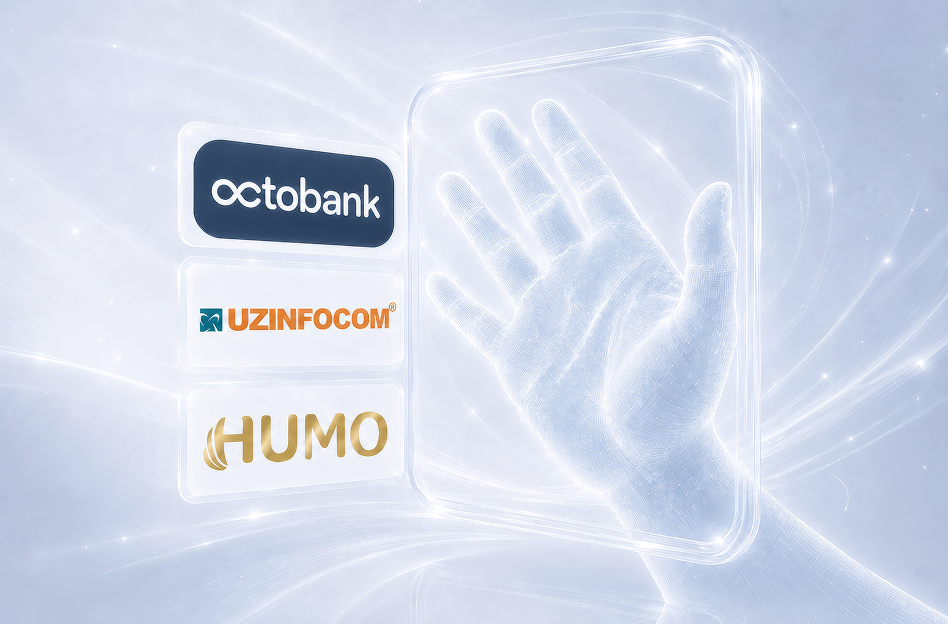
The “MyID” system is integrated with the UZINFOCOM platform, enabling remote customer identification.
UZINFOCOM provides access to the state biometric database for identity verification.
Octobank has an official agreement with UZINFOCOM, ensuring the legal and secure use of the system.
Still have questions? Contact us!

Your personal banking assistant! Always ready to help you with our services and provide answers to any questions.