Google Pay — now with Octobank
Pay for purchases with your smartphone in stores, apps, and on websites — simple, convenient, and secure. Your bank card is always at hand, even if your wallet was left at home.


Where you can use Google Pay
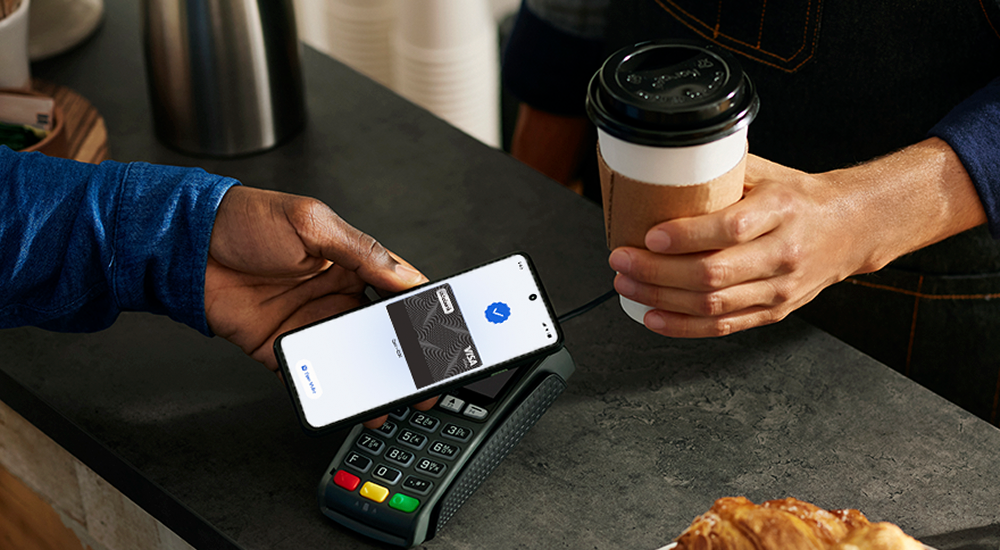
In shops, cafes, and restaurants
Pay for purchases with your phone and order food for delivery or pickup.
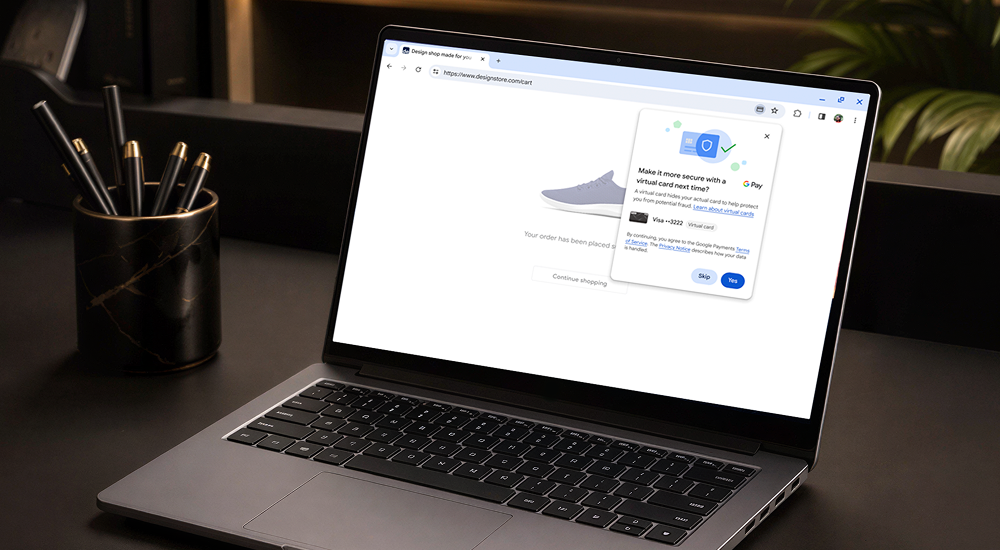
On websites and in apps
Pay online without re-entering your card details.
On the go
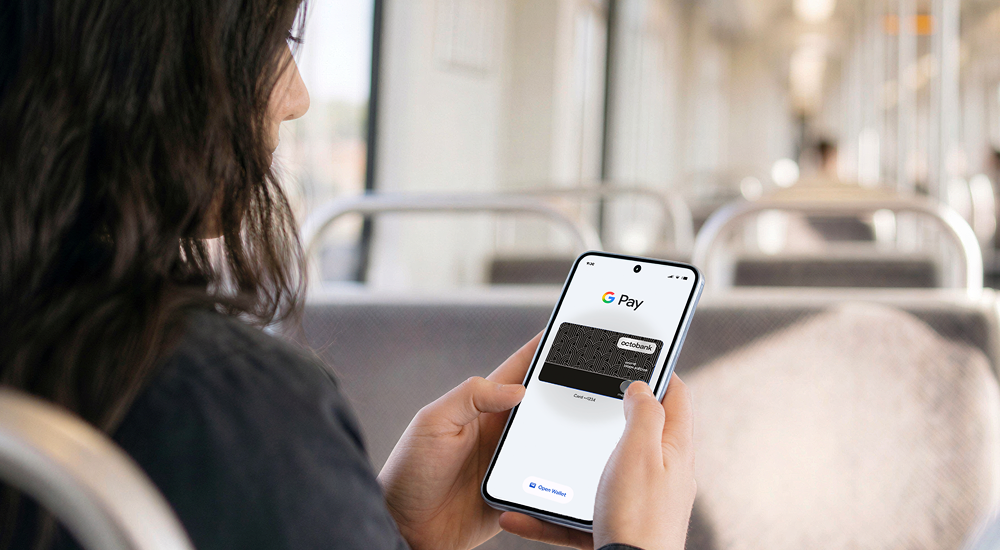
Pay for fuel, parking, and public transport.
Security and privacy
Google Pay uses two-factor authentication for extra protection. For contactless payments, your actual card number is replaced with a virtual one, and your data is encrypted when paying online.

How to add a card to Google Wallet
Open the Google Wallet app or download it on Google Play
Tap ‘Add to Wallet’ and follow the instructions
Verify your card if needed. Then you’re all set!

How to pay with your phone?
Unlock your phone
Hold it up to the terminal
Payment will go through instantly
Start paying with Google Pay


Get a card in your preferred currency
Open a card in Octo-Mobile or order it delivered to your home — choose the currency that is most convenient for you.


Your card — now in your smartphone
Download Google Wallet, add your Octobank card, and pay for purchases with a single tap — in stores, on websites, and in apps
Which Octobank cards can be added to Google Pay?
Debit and credit Visa and Mastercard cards from Octobank can be added to Google Wallet
What phone do you need for contactless payment?
You will need a smartphone running Android 9 or newer, with NFC support, and the Google Wallet app installed. Screen lock must be set up on the device. The phone must also meet Google's security requirements and be Play Protect certified.
Where and how can you make purchases?
In stores — anywhere Google Pay or contactless payments are accepted: unlock your smartphone and hold it up to the terminal. On websites and in apps, select Google Pay as your payment method and follow the prompts.
How to remove a card from Google Wallet?
Open Google Wallet, select the card you want to remove, tap the “More” icon in the top right corner, and select “Remove payment method”.
Why can't I add a card or pay for a purchase?
Make sure the card is supported, its addition and verification are completed, and the phone meets security requirements. For payments, turn on NFC, set Google Wallet as your default payment app, and unlock the screen. If the error is related to the card or a declined payment, contact your bank.
How to add a card to Google Wallet?
Open Google Wallet, tap “Add to Wallet” → “Payment card” → “New credit or debit card”. Scan the card or enter the details manually, accept the bank's terms, and if required, verify the card addition using the suggested method.
Is an internet connection required for payment?
No, you don’t need an internet connection to pay with Google Pay.
Is Google Wallet free to use?
Google Wallet is provided to users free of charge. This does not waive any fees or service terms associated with the bank card itself — these should be checked in Octobank's tariffs.
Is it safe to pay with Google Pay?
When making a contactless payment, a virtual number is passed to the merchant instead of your actual card number. Payment data is protected by encryption, and payments require identity verification via your device's screen lock.
What should you do if your phone is lost or stolen?
Use the Google Find My Device service to locate your phone, lock it, or erase its data. Erasing the device's data also removes your saved payment cards.